
A product by 
 MailroomA reply ready. The choice is yours.
AI drafts replies in your voice, learned from your sent emails. Review each draft, or enable automatic replies when you want Mailroom to send them, too.
Your inbox,
already sorted.
The inbox, in order.
Your sent emails teach Mailroom how you write. It sorts the inbox and starts the next reply in your voice.
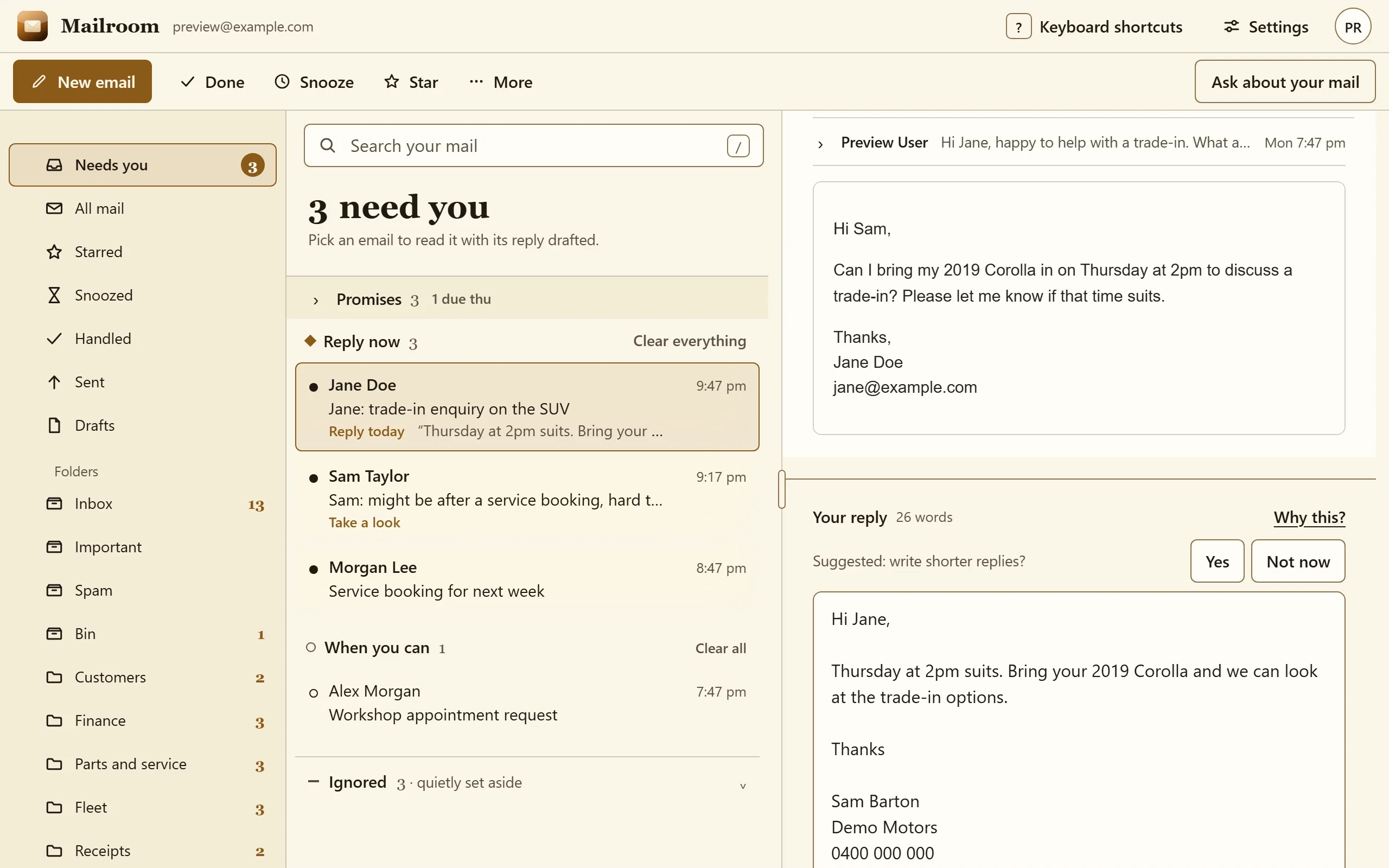
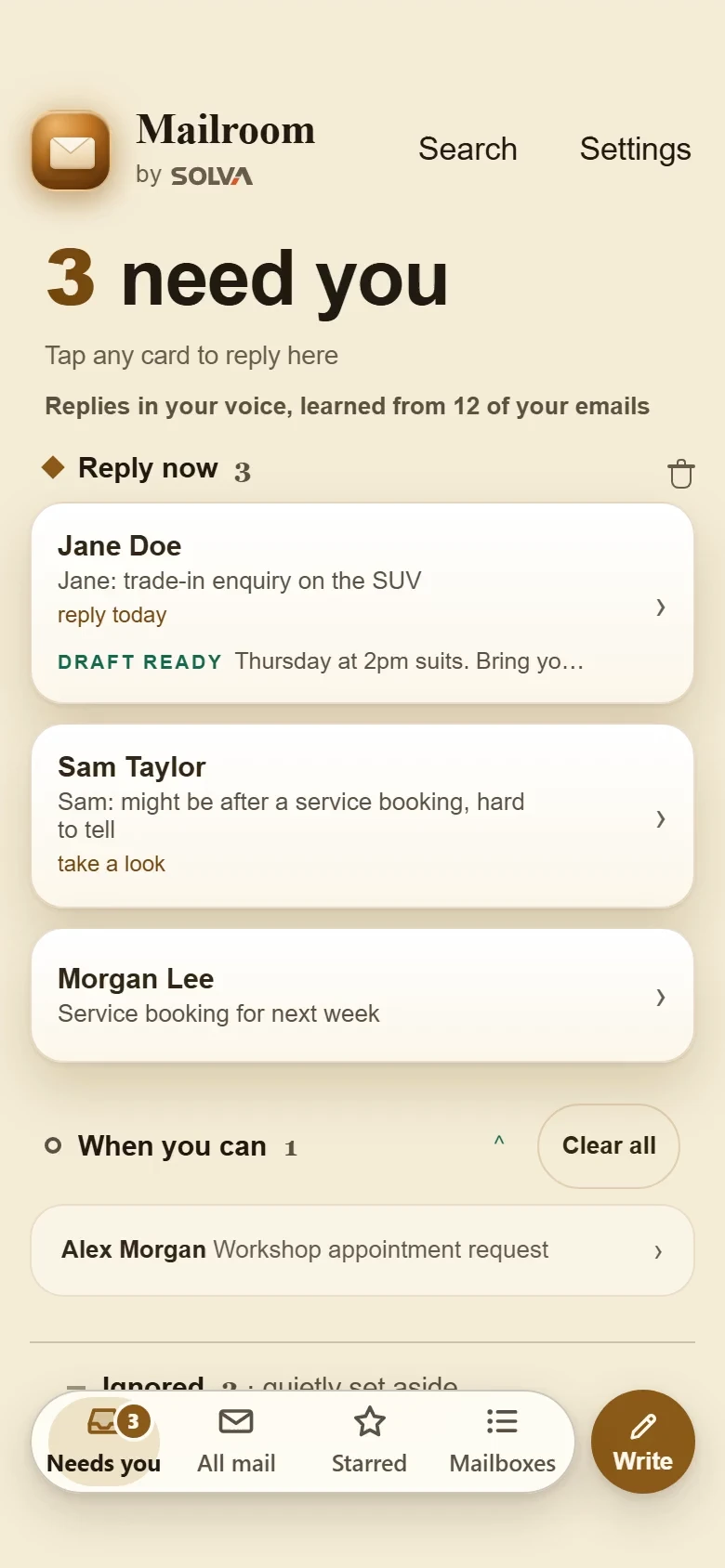
 Recorded demo · sample data↗
Read it. Edit it.
Choose how it leaves.
Review the draft or enable automatic replies when you want Mailroom to send them too.
Recorded demo · sample data↗One inbox’s morning
Illustrative · sample content
Sorted before
you open it.
Mailroom sorts the morning’s email into what needs you, what can wait and what is already handled, and drafts each reply in your voice for you to check.
Choose a group.
- Sample supplierRevised quote for March7:12 am
- Sample customerCan we move Thursday?7:31 am
Draft reply · sampleFor you to review
- To
- Sample supplier
- Subject
- Re: Revised quote for March
Hi there, thanks for the revised quote. March works on our side. Could you confirm the delivery window before we sign off?
Not sentA draft in your voice, waiting for you to check and send.
- Sample colleagueNotes from Monday6:58 am
- Sample accountantQuarter-end checklist7:05 am
Draft reply · sampleFor you to review
- To
- Sample colleague
- Subject
- Re: Notes from Monday
Thanks for the notes. I have added the two actions to Thursday’s list and will come back to you on the budget question.
Not sentA draft in your voice, waiting for you to check and send.
- Sample courierDelivery confirmed6:40 am
- Sample softwareYour receipt6:44 am
Filed · sampleNo reply needed
- From
- Sample courier
- Subject
- Delivery confirmed
A delivery confirmation and a receipt, both filed under Handled. Nothing here needs a reply, so nothing was drafted.
FiledNothing drafted and nothing sent.
One inbox, one morningSix sample emails in three groups. Drafts wait for you; nothing is sent on its own.
Connect it with clear permissions.
- Your voice
- Mailroom learns from the sent emails you connect.
- Your review
- Review a draft before sending, or explicitly enable automatic replies.
- Your setup
- Gmail or Microsoft 365. Opt-in urgent alerts.
A few practical questions.
Does it send without us reviewing?
You choose. Review drafts first, or enable automatic replies when you want Mailroom to send them too.
Where does our information go?
Mailbox access and AI provider terms depend on the agreed setup. We explain what is connected and what leaves before connecting it.
How do we start?
Ask for a walkthrough with your inbox workflow in mind.

Replies in your voice.
AI drafts trained on your sent emails. Talk to us about setting up Mailroom for your team.