
A product by 
 From your first word to your next step.
Dictation, meeting notes, screen and camera recordings, and video calls. One free app for Windows. To dictate, hold Ctrl + Space, speak, and let go.
One app.
Five tools that work together.
Install Lori once and it keeps itself up to date.
The words.
The next steps.
Record a meeting and Lori writes it up on your PC: decisions, actions, open questions and a to-do list, each linked to the moment it was said. Transcript, notes and recording stay together.
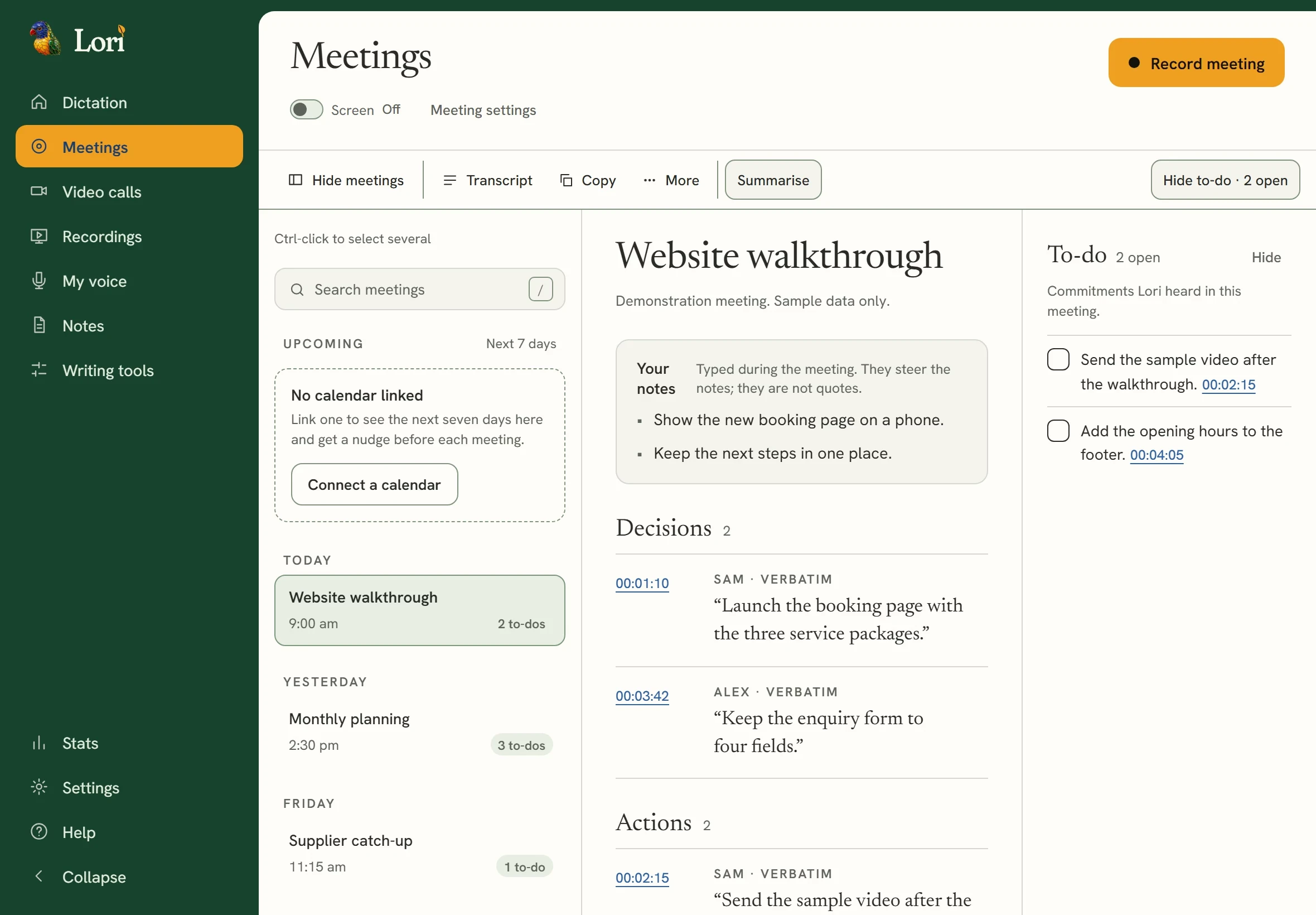
 Recorded demo · sample data↗
Meet face to face.
Send one link.
Start a call and the invite link is copied, ready to send. Camera, microphone and screen sharing are all in the call. Record by choice, and the call comes back with its notes, its audio and one video file to keep.
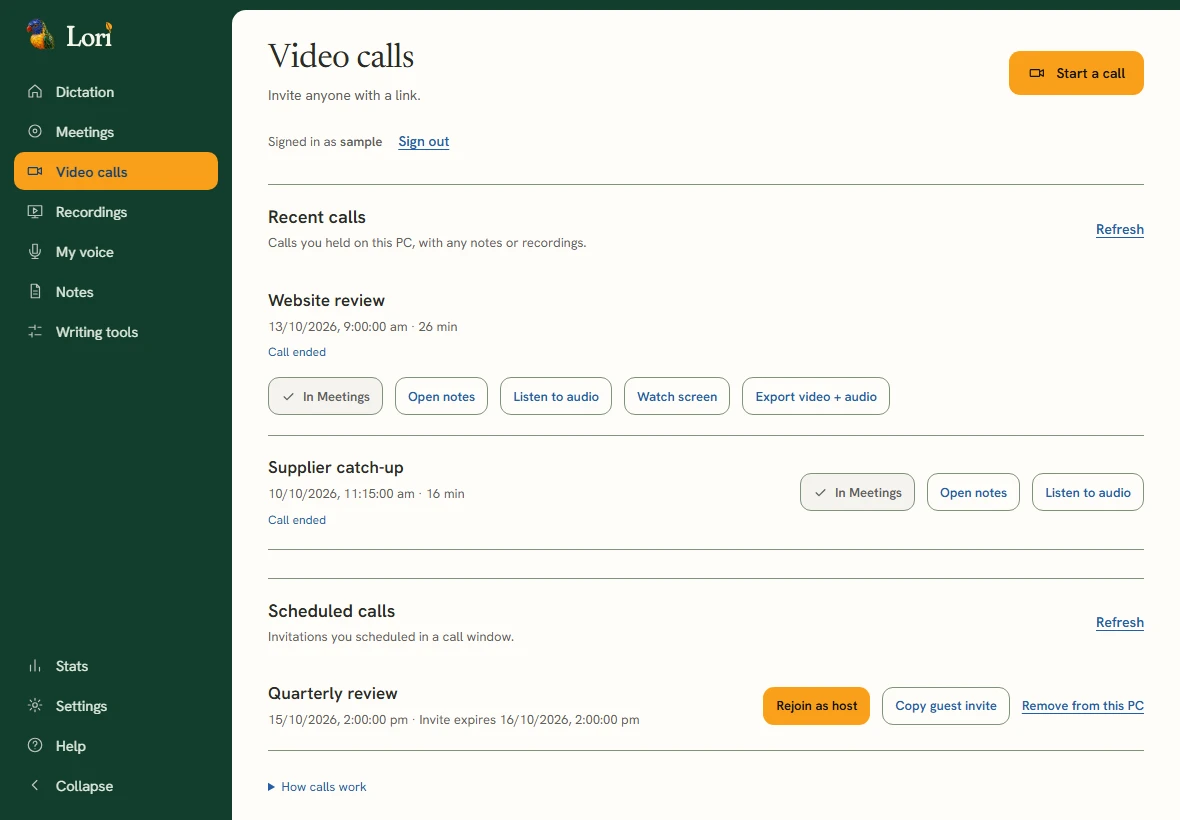
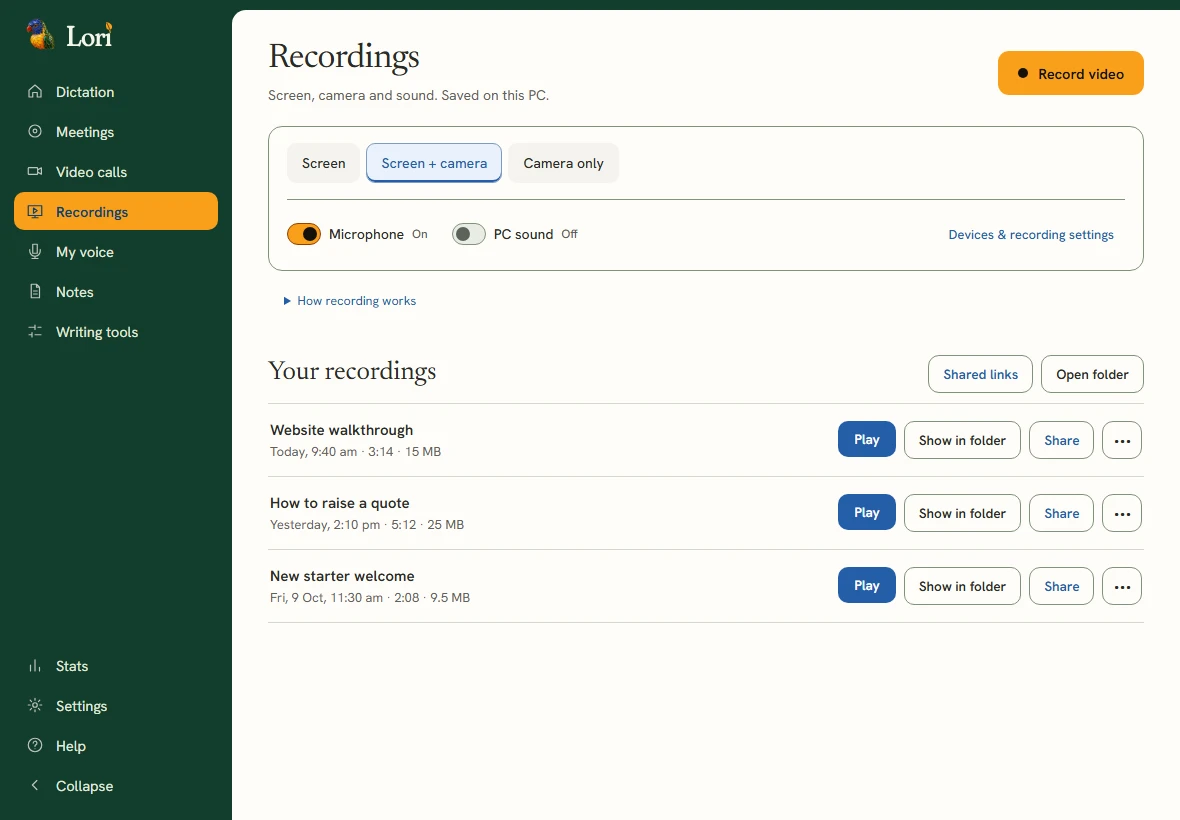
Show it instead of explaining it.
Record your screen, your camera, or both, with your voice. Your webcam sits in the corner in the shape you choose. Pause and stop from a small strip that never appears in the video, then share it with a private link.
Your voice.
Kept on your PC.
Read a short passage, listen back and keep the takes you like. Your voice bank is stored only on this PC, and you choose which samples are used. Lori can then read text aloud from a sample of your own voice, and export the reading for a video or voiceover.
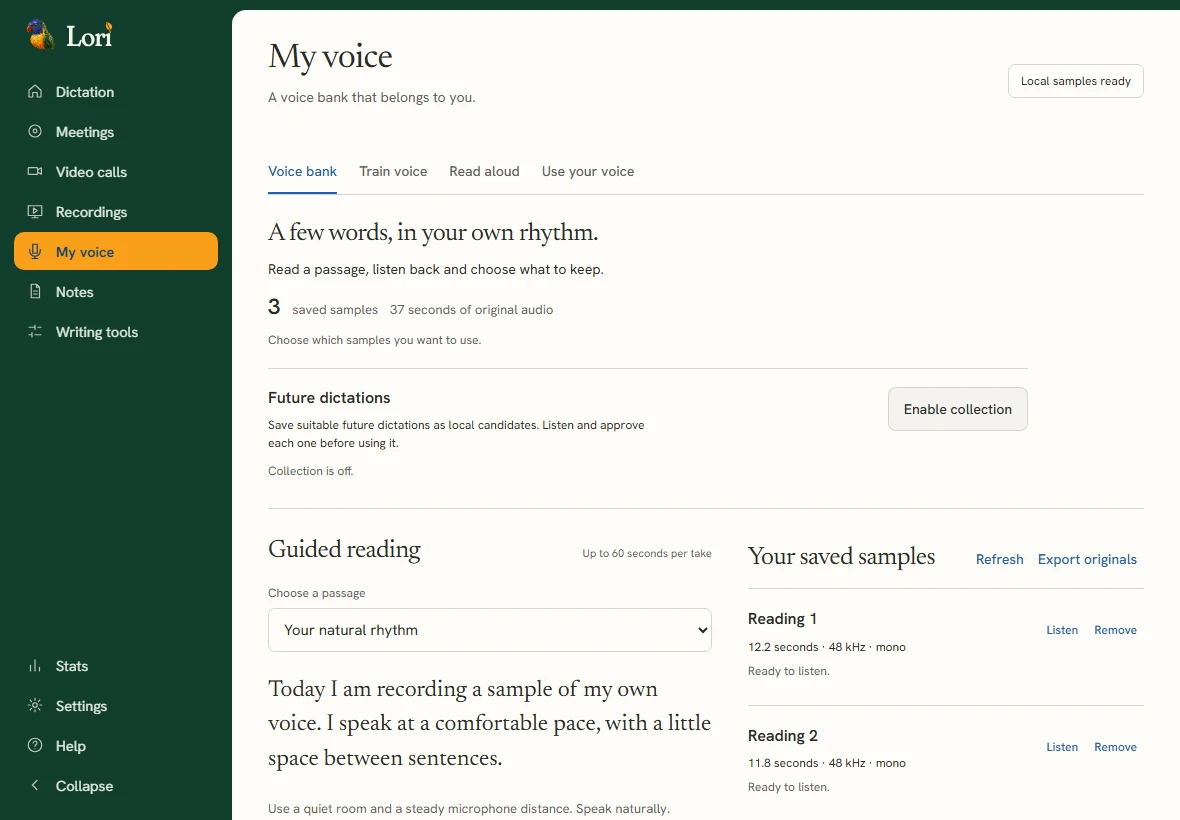
Say it instead of typing it.
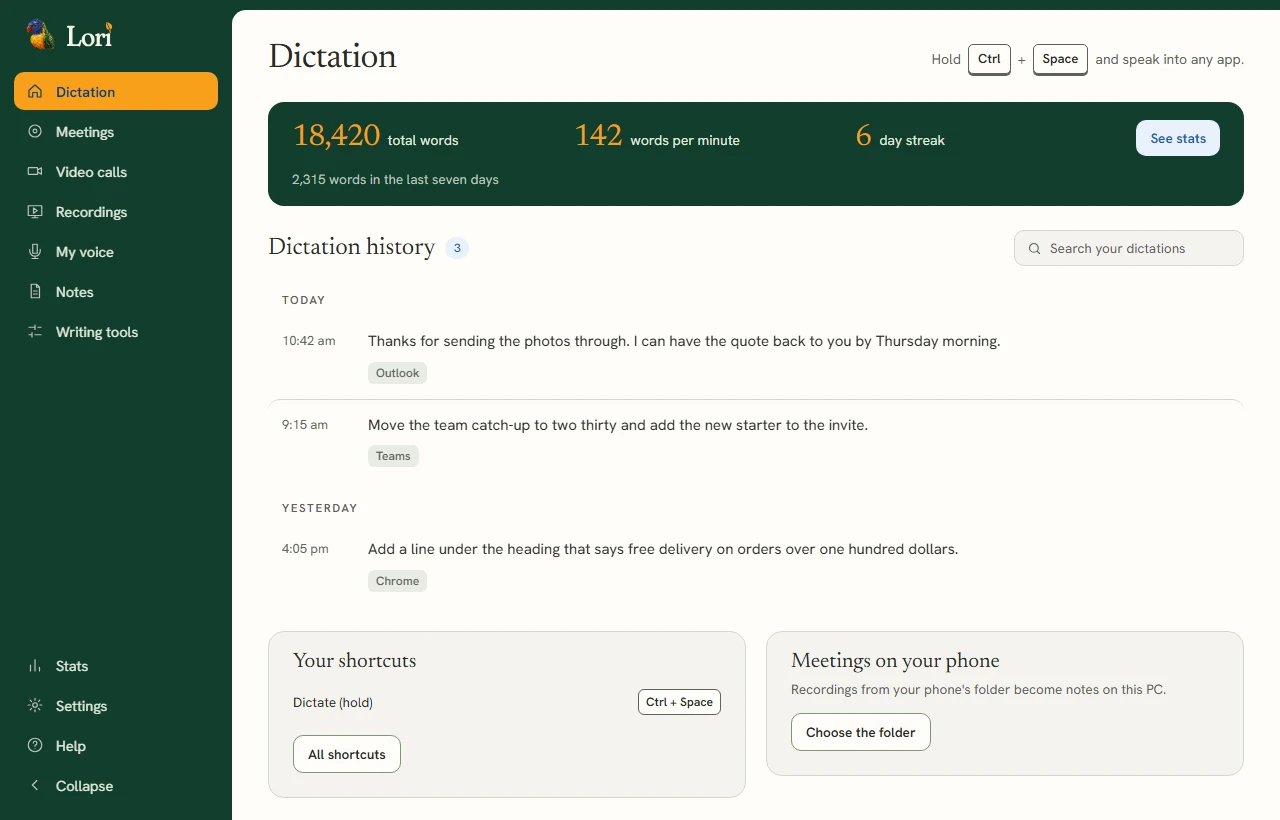
Hold Ctrl + Space and speak into any app. Custom words. Spoken shortcuts. Select text and say the change with a Claude connection.
Traced to the moment
Illustrative · sample content
Said once.
Kept as next steps.
Lori writes up a recorded meeting as decisions, actions and to-dos, each linked to the moment in the transcript where it was said.
Choose a next step.
Transcript · sample meeting
- 00:12:15Speaker 1“Let’s keep the launch on the twentieth.”
- 00:12:31Speaker 2“The printer said that date still works.”
- 00:12:48Speaker 2“I’ll have the price list ready by Friday.”
- 00:13:02Speaker 1“Good. Then the room is the last thing.”
- 00:13:10Speaker 1“Someone needs to book it for the walkthrough.”
Next steps
DecisionLaunch stays on the 20th. Traced back to 00:12:15, when speaker 1 said it.
ActionPrice list ready by Friday. Traced back to 00:12:48, when speaker 2 said it.
To-doBook the walkthrough room. Traced back to 00:13:10, when speaker 1 said it.
Before you start.
Install Lori for Windows.
- Download the 1.3.5 installer, approximately 723MB.
- Open the installer and follow its setup.
- Check the microphone and Ctrl + Space shortcut in the welcome.
- Hold the shortcut, speak, and let go.
Windows may show a SmartScreen notice. The installer does not carry an Authenticode publisher signature. Download only from the linked Solva address.
Recording and privacy.
Tell everyone involved before recording. Core speech recognition and meeting records stay on the PC. Video calls, shared links and phone access use a connection; optional AI extras send the information they work on to the chosen provider.
Read the Lori privacy policyA few practical questions.
Is Lori free?
The Windows download is free. Optional AI extras use your own provider key; those providers may charge for usage.
Does a bot join my existing call?
Lori can record the microphone and call sound on your PC without a meeting bot. Tell everyone before recording. Lori’s own video calls use an invite link.
Are video calls recorded?
Only when you choose. Calls start without recording. Tell everyone first, then record to save the audio and notes, with the screen as well if you want it.
What version is this?
The download installs Lori 1.3.5, which then updates itself to the current version.
Is there a phone app?
Yes, for Android: thesolvagroup.com/lori/get. It keeps itself up to date. On an iPhone, use Lori in the browser.

Want something like this
for your business?
Lori is one of the tools we make. Tell us what slows your team down.